Python — data analysis with Polars (PYDATA1B)
Databases, Data Analytics
Work with data in Excel, Power Query, SQL or Pandas but hit speed limits? Polars is a modern Python library that handles millions of rows much faster than traditional tools. Learn high performance, scalability and speed to overcome current bottlenecks.
On the workshop you'll learn to process large datasets in Polars inside Jupyter Notebook, reusing your SQL skills and table-tool experience. Learn the Expressions API, optimize queries and build repeatable workflows for automation.
THIS TRAINING COURSE WILL HELP YOU:
- Process millions of rows quickly with Polars
- Use Polars in Jupyter to document and run analyses
- Write and chain Expressions for efficient transforms
- Automate repeatable data workflows and exports
WHO SHOULD ATTEND?
- Data analysts using Excel, Power Query or SQL
- Users of Pandas seeking higher performance
- Python developers working with large tabular data
- BI professionals automating data pipelines
COURSE LOCATION AND AVAILABLE DATES
Praha + online (optional)
19–20 Nov 2026
392 €
CZECH
11–12 Feb 2027
392 €
CZECH
Need this course in English?
Public courses are usually delivered in Czech, but this course is also available in English. We can arrange private training for your team online, at your premises or in our classrooms, and tailor the content to your needs.
For groups of around 4 or more participants, private training can already be comparable in price to booking individual places on a public course. Send us your requirements and we’ll recommend the best format and provide an exact quote.
Request training in English
Course content:
Hide details
-
Data analysis tools
-
Problem formulation
-
Overview of data analysis tools
-
Why Polars — speed, efficiency, modern API
-
Jupyter Notebook
-
Installation and startup
-
Text and code in one document
-
Running individual steps
-
Documenting processing steps
-
DataFrame and basic operations
-
Creating DataFrame
-
Data types in Polars
-
Selecting columns and filtering rows
-
Adding and transforming columns
-
Expressions API
-
What expressions are and why they matter
-
Column selection: pl.col(), pl.all(), pl.exclude()
-
Conditions: pl.when().then().otherwise()
-
Method chaining
-
Data sources
-
Tabular formats (Excel, CSV)
-
Database sources (SQL)
-
Parquet format for big data
-
Working with multiple files at once
-
Data processing
-
Transforming tabular data
-
Data type conversion
-
Handling missing values
-
Joining tables (join, concat)
-
Data aggregation
-
Grouping and aggregation functions
-
Multiple aggregations at once
-
Pivot tables
-
Performance optimization
-
Lazy evaluation — automatic query optimization
-
When to use eager vs lazy mode
-
Streaming for big data
-
Visualizing the query plan
-
Error handling
-
Reading Polars error messages
-
Common errors: data types, missing columns
-
Debugging and data validation
-
Outputs and presenting results
-
Tables and charts (Matplotlib)
-
Export to various formats
-
Prerequisites:
-
Basic Python (variables, loops, functions); experience with Excel, SQL, Power Query or Pandas is advantageous.
-
Recommended previous course:
-
Python – Programming Basics (PYTH1)
-
Schedule:
-
2 days (9:00-17:00)
-
Price per person:
-
392.00 € ( 474.32 € incl. 21% VAT)
Training and learning environment
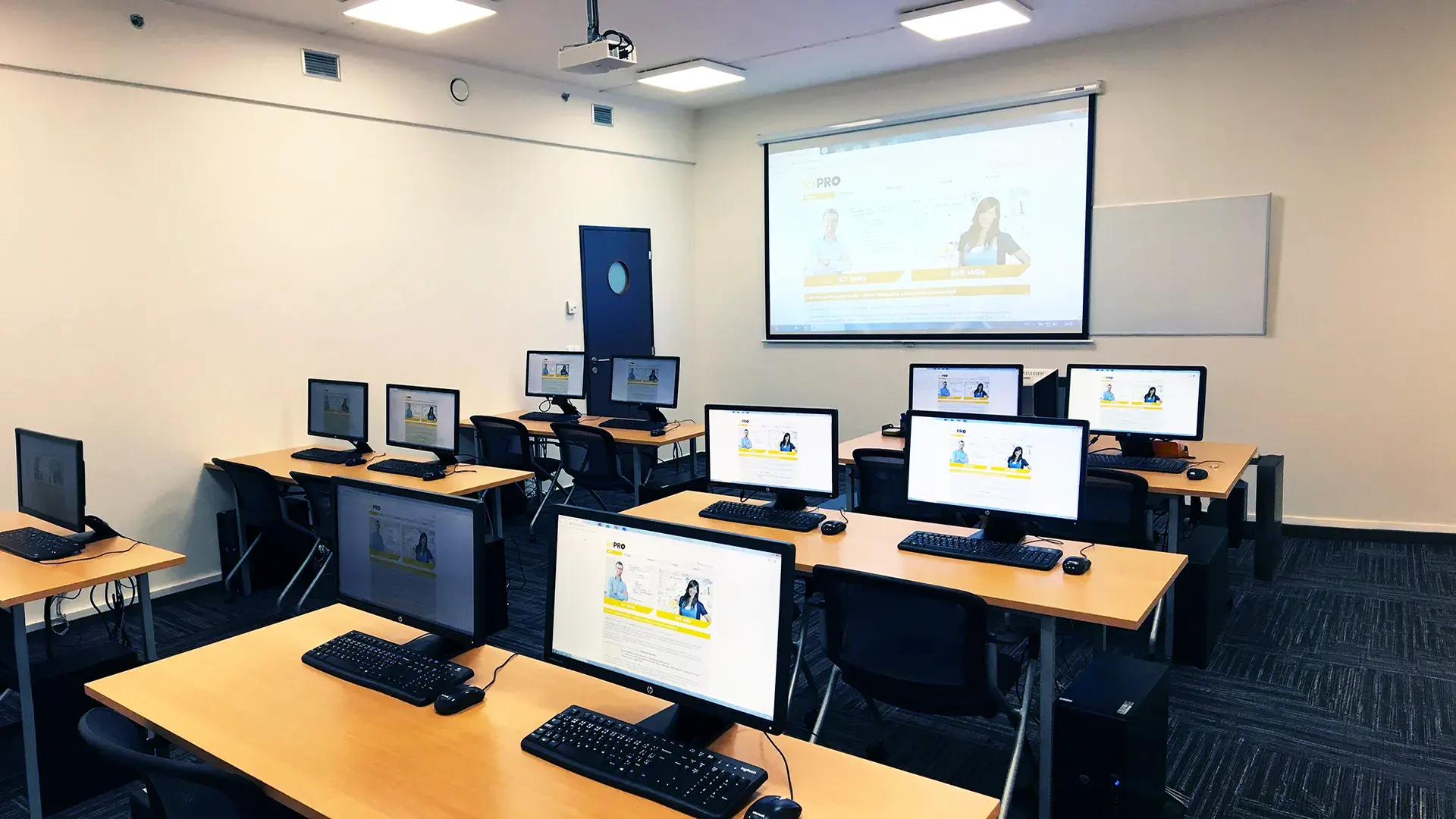 What does the environment for in-person IT courses look like?We hold training courses in our own classrooms equipped with modern computer equipment for each participant and a large projection screen. Each workstation is fitted with a powerful computer for seamless practical exercises, and the environment supports a calm, friendly atmosphere during training.
 Do I need to bring my own laptop to the classroom IT course?Our training rooms are fully equipped, so you do not need to bring your own laptop. A modern computer with all necessary hardware and software is ready for you at your workstation.
 Will you receive an official certificate after completing an IT course?Yes, upon successful completion of the training course, you will receive an official ICT Pro certificate confirming your participation and acquired technical skills. You can use it to verify your qualifications or add it to your professional profile.
 Where can you find our training center in Brno?The premises of the ICT Pro training center are located on the 1st floor of the COMGUARD building at Sochorova 38 in Brno. Positioned on the border of Žabovřesky and Komín, the location is easily accessible by both car and public transport.
 Where can you find our training center in Prague?The premises of the ICT Pro training center are located on the 1st floor of the Opatov Park building at Líbalova 1, Prague 11 – Chodov. The location provides a comfortable environment for your education with convenient access.
 What facilities and refreshments are available to you during training breaks?Our training centers feature a fully equipped kitchenette for a comfortable break during your courses. The facilities include a coffee machine, microwave, kettle, and a wide selection of drinks and snacks.
 What beverage refreshments are available during your course?A beverage station with a coffee machine, teas, syrups, and water is at your disposal throughout the entire training session. You can enjoy a coffee or another drink of your choice anytime during breaks.
 What light refreshments are provided for you during the courses?During course breaks, participants can enjoy light sweet snacks, pastries, and fruit syrups to mix their own drinks. Fresh water dispenser and plates are also available for your convenience.
 Should I bring my own snacks to ICT Pro training?There is no need to. A wide selection of savory snacks, sweet biscuits, and snack bars is available for you during breaks. Boost your energy for all-day focus right inside the training center premises.
 Can you spend training breaks in the fresh air?Yes, an outdoor terrace is available at our training center. During breaks between learning sessions, you can relax in the fresh air in a pleasant green environment.
 Where can you relax during course breaks?Our training center features a spacious outdoor terrace with seating options. During breaks between learning sessions, you can step outside to relax and recharge in the fresh air.