Claude AI – Vibe Coding and No-Code App Development (CLVC)
AI - Artificial Intelligence, Claude
Meet Claude by Anthropic—a powerful AI assistant for creating custom tools and automating tasks. You will learn vibe coding: an approach where you describe what you want and AI creates it. No prior programming knowledge is required.
During the course, you will configure Claude to suit your needs, create your own website and publish it online, and build an automation script for repetitive tasks. You will also understand the limitations of AI, as well as the ethics and security of working with generative AI. Are you a developer? If you want to use Claude as part of a professional development workflow and explore advanced topics such as CLI, CLAUDE.md, hooks, skills or MCP integrations, continue with the course Claude Code – Autonomous Agentic Development & MCP Integrations (CLPRG1).
THIS TRAINING COURSE WILL HELP YOU:
- Understand the capabilities and limitations of generative AI
- Configure Claude to suit your needs (Memory, Skills, Projects)
- Create your own website without programming knowledge
- Publish your work online for free using GitHub Pages
- Automate repetitive tasks with GitHub Actions
- Learn prompting techniques for high-quality outputs
- Recognize when to use AI—and when not to
- Understand ethics and security when working with AI
WHO SHOULD ATTEND?
- Analysts and data professionals—for code validation and creating visualizations
- Marketing professionals—for creating landing pages and forms
- Project managers—for quickly creating documentation and diagrams
- HR and administrative professionals—for creating templates and simple tools
- Anyone who wants to create but believes programming is not for them
COURSE LOCATION AND AVAILABLE DATES
23–24 Nov 2026
392 €
CZECH
Praha + online (optional)
Need this course in English?
Public courses are usually delivered in Czech, but this course is also available in English. We can arrange private training for your team online, at your premises or in our classrooms, and tailor the content to your needs.
For groups of around 4 or more participants, private training can already be comparable in price to booking individual places on a public course. Send us your requirements and we’ll recommend the best format and provide an exact quote.
Request training in English
Course content:
Hide details
-
Introduction to AI and Claude
-
How generative AI works – key concepts
-
What is vibe coding and how does it differ from traditional programming
-
AI limitations: hallucinations (invented but confidently presented information), outdated information, sensitive data
-
Choosing a model by task – fast and inexpensive vs. powerful and slow
-
Effective Prompting
-
Anatomy of a good prompt: context, goal, constraints, output format
-
Plan first, code second – why having AI design the process is worthwhile
-
Iterative refinement in small steps
-
When AI gets stuck: fix it or start a new conversation
-
Claude Personalization
-
Memory – persistent preferences
-
Projects – custom knowledge base
-
Skills – repeatable workflows
-
Styles – response formatting
-
Connecting Google Drive and Gmail – no programming, just enable the integration
-
Where to Work with Claude
-
Interface overview: Chat, Cowork, Claude Code, Claude Design
-
Decision table – choosing the right tool for each task
-
Artifacts – live HTML previews, diagrams
-
Workflow: prototype → commit → publish
-
GitHub and Version Control
-
Basic concepts: repo (project repository), commit (saved version), branch (branch for experiments)
-
Why use version control and how to roll back
-
GitHub Pages – free website publishing
-
What does not belong in a repository
-
Practical Project: Your Own Website
-
Creating a portfolio page or personal profile page
-
Iterating with Claude
-
Publishing on GitHub Pages
-
Connecting a custom domain
-
Interactive Applications
-
Calculator, form or quiz
-
Persistent data storage – the application remembers what the user has entered
-
AI inside the application – a custom tool that thinks for itself
-
Sub-Agents – Delegating Work
-
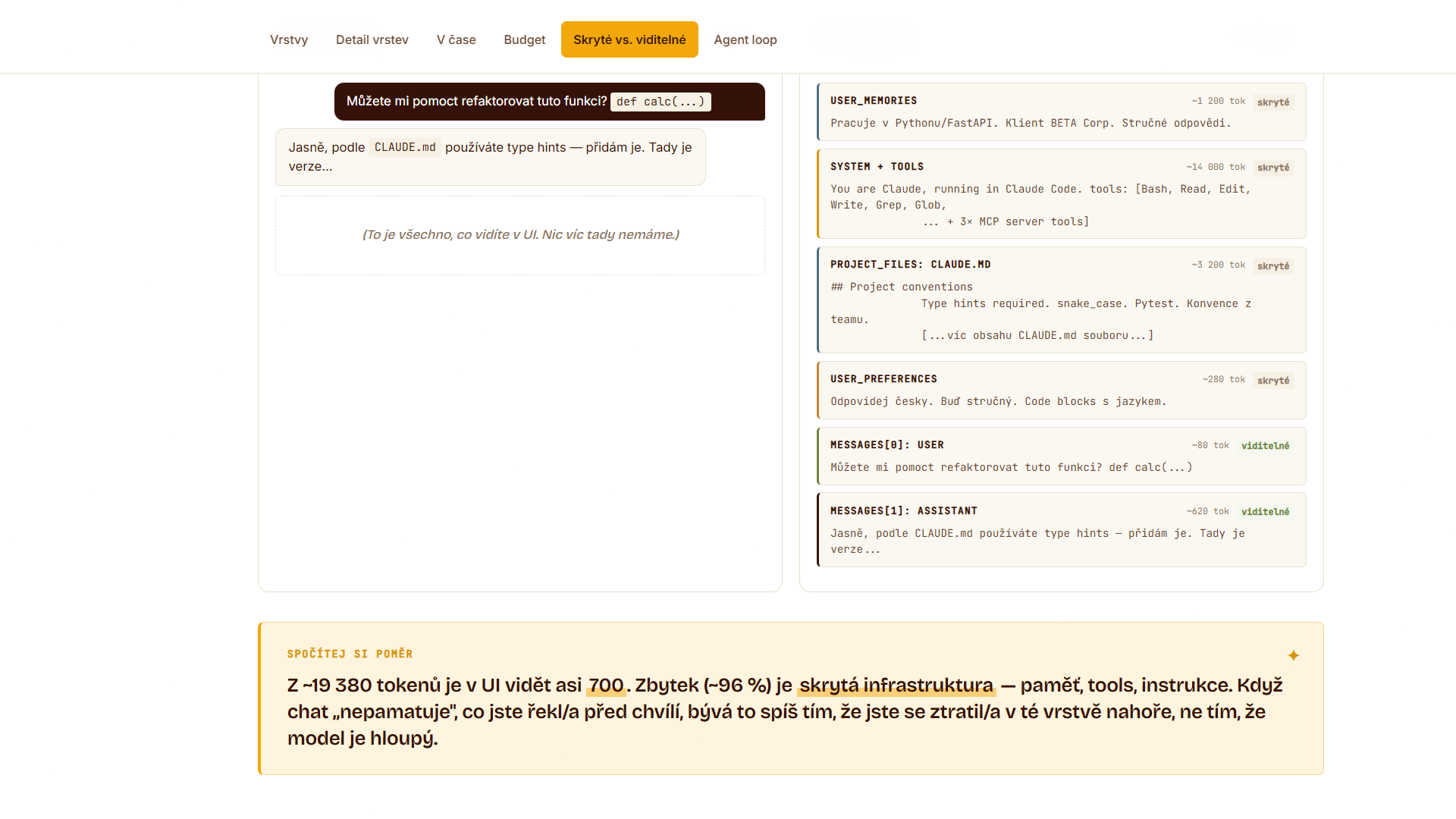
Context window – why AI starts losing track in a long conversation
-
What is a sub-agent: an independent assistant with its own memory that solves a task separately and returns only the result
-
Creating your own specialist – e.g. a text checker or code reviewer
-
Parallel execution and assigning a less expensive model to simple tasks
-
Prerequisites:
-
Basic computer and internet skills. No programming knowledge is required.
-
Schedule:
-
2 days (9:00-17:00)
-
Price per person:
-
392.00 € ( 474.32 € incl. 21% VAT)
Training and learning environment
 How is static website creation practiced in the Claude AI training?During the practical exercises, participants learn to build websites without any programming background. You will also practice publishing your generated static web pages directly to a live, publicly accessible URL.
 How is static website creation practiced in the Claude AI training?During the practical exercises, participants learn to build websites without any programming background. You will also practice publishing your generated static web pages directly to a live, publicly accessible URL.
 How does configuring a specialized AI subagent work?In the configuration file, you define the agent's name, available tools such as search or file reading, and a specific system prompt. The subagent then independently executes tasks step by step, such as fact-checking documents.
 What does the environment for in-person IT courses look like?We hold training courses in our own classrooms equipped with modern computer equipment for each participant and a large projection screen. Each workstation is fitted with a powerful computer for seamless practical exercises, and the environment supports a calm, friendly atmosphere during training.
 Do I need to bring my own laptop to the classroom IT course?Our training rooms are fully equipped, so you do not need to bring your own laptop. A modern computer with all necessary hardware and software is ready for you at your workstation.
 Will you receive an official certificate after completing an IT course?Yes, upon successful completion of the training course, you will receive an official ICT Pro certificate confirming your participation and acquired technical skills. You can use it to verify your qualifications or add it to your professional profile.
 Where can you find our training center in Brno?The premises of the ICT Pro training center are located on the 1st floor of the COMGUARD building at Sochorova 38 in Brno. Positioned on the border of Žabovřesky and Komín, the location is easily accessible by both car and public transport.
 Where can you find our training center in Prague?The premises of the ICT Pro training center are located on the 1st floor of the Opatov Park building at Líbalova 1, Prague 11 – Chodov. The location provides a comfortable environment for your education with convenient access.
 What facilities and refreshments are available to you during training breaks?Our training centers feature a fully equipped kitchenette for a comfortable break during your courses. The facilities include a coffee machine, microwave, kettle, and a wide selection of drinks and snacks.
 What beverage refreshments are available during your course?A beverage station with a coffee machine, teas, syrups, and water is at your disposal throughout the entire training session. You can enjoy a coffee or another drink of your choice anytime during breaks.
 What light refreshments are provided for you during the courses?During course breaks, participants can enjoy light sweet snacks, pastries, and fruit syrups to mix their own drinks. Fresh water dispenser and plates are also available for your convenience.
 Should I bring my own snacks to ICT Pro training?There is no need to. A wide selection of savory snacks, sweet biscuits, and snack bars is available for you during breaks. Boost your energy for all-day focus right inside the training center premises.
 Can you spend training breaks in the fresh air?Yes, an outdoor terrace is available at our training center. During breaks between learning sessions, you can relax in the fresh air in a pleasant green environment.
 Where can you relax during course breaks?Our training center features a spacious outdoor terrace with seating options. During breaks between learning sessions, you can step outside to relax and recharge in the fresh air.